
Your messages, riding shotgun.
Hear Slack messages in Android Auto and reply by voice when available. Flack hands your reply to the Slack app on your phone, which sends it.
For Android 12 or later. Open the download on your phone.
How it works
- Flack reads notifications from the official Slack app only, and ignores every other app.
- While Android Auto is connected, Flack copies new text notifications from DMs, group DMs, public/private channels and threads for readout.
- Reply by voice and confirm. Flack passes your words to Slack's reply button once. If it cannot tell where a reply would go, it offers none.
Install
- Download flack.apk on your phone and open it. Allow your browser to install apps if Android asks.
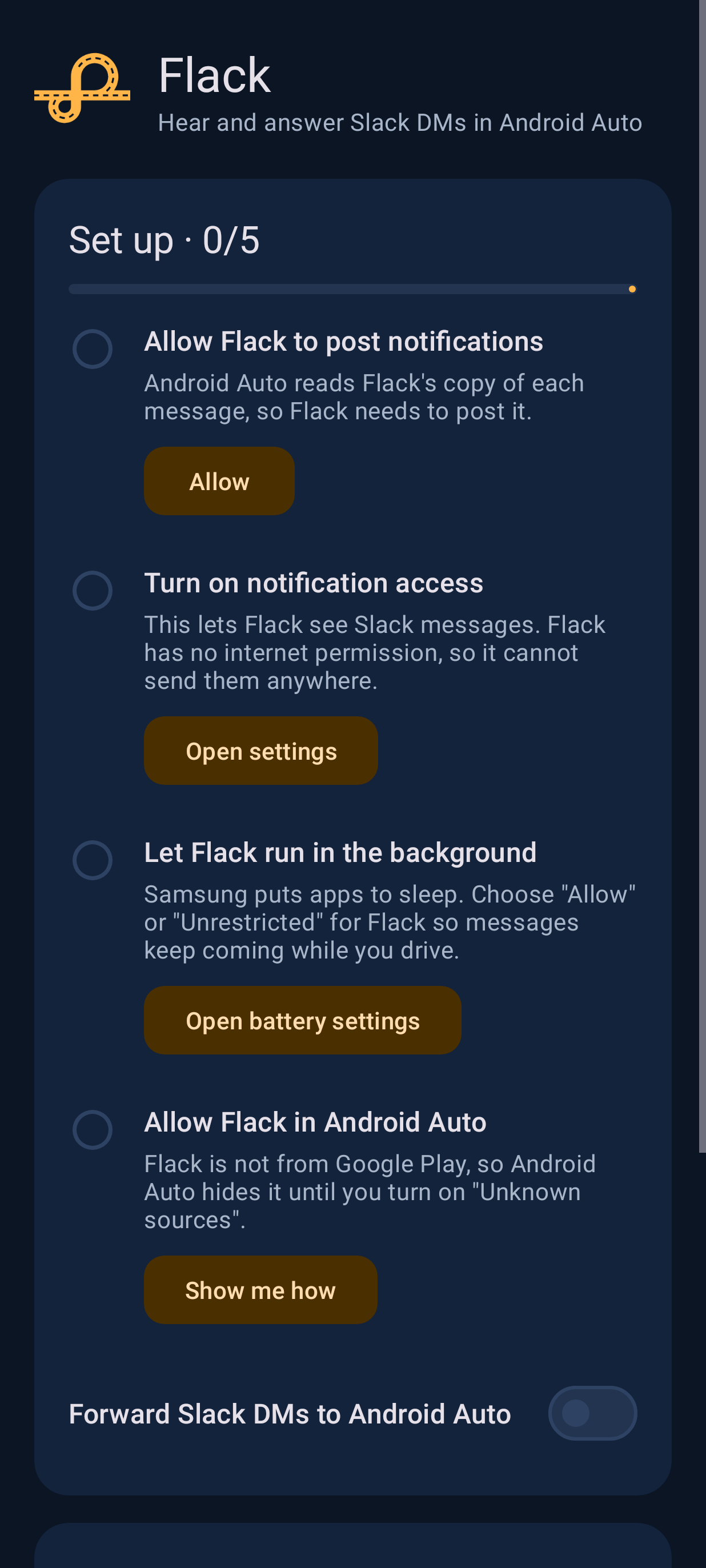
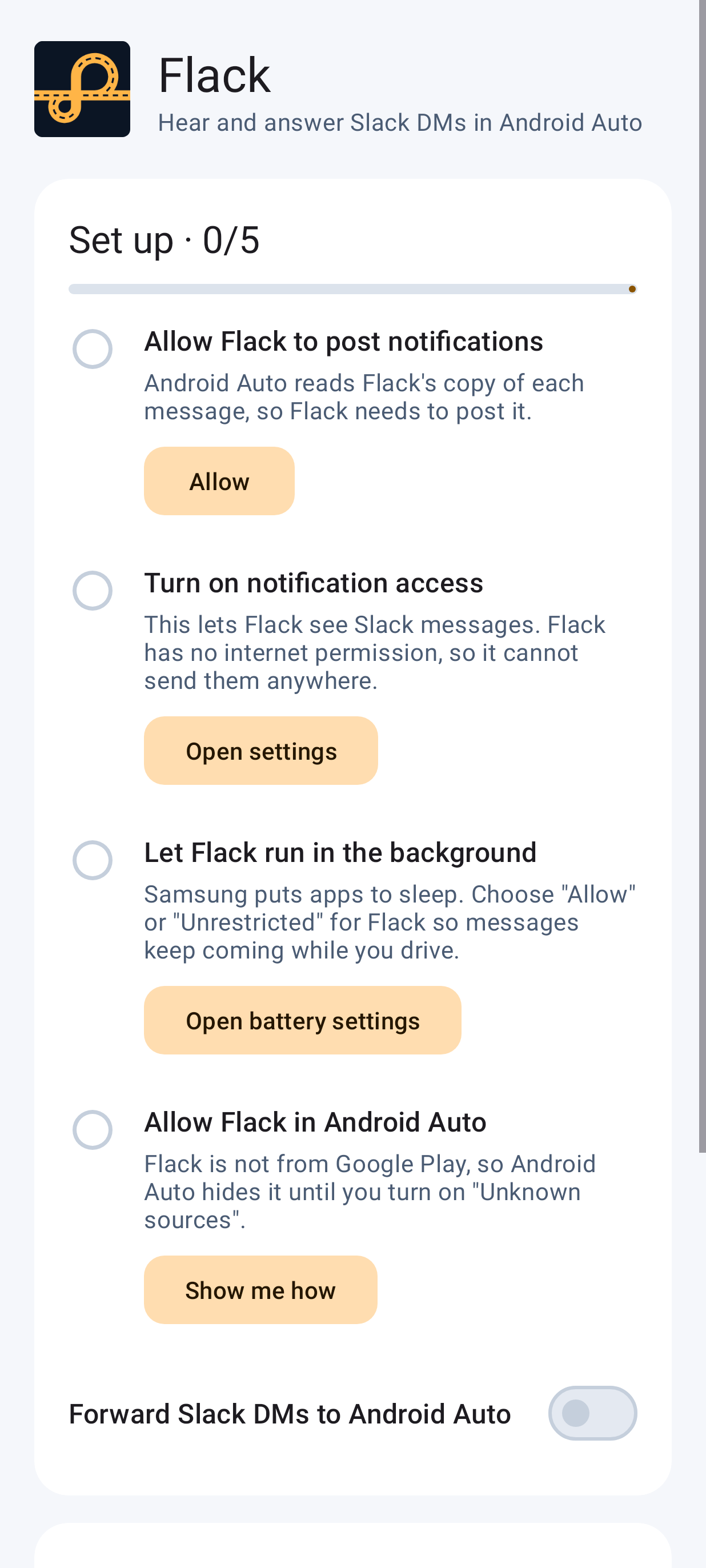
- Open Flack and follow its five setup steps. If notification access is greyed out, the app shows how to allow it.
- In Android Auto's developer settings, turn on Unknown sources. Flack is not from Google Play, so Android Auto hides it until you do.
The full install guide has each step in detail.
Privacy
- Slack sign-in is optional. Without it, Flack makes no network requests, and the Slack app does the sending.
- If you sign in, Flack talks only to Slack. Its Slack token is encrypted on the phone and never logged.
- Message text stays in memory. It is never saved, backed up or logged.
- It asks for two permissions: posting notifications, and internet for Slack sign-in.
Status
Flack has experimental support for DMs, group DMs, public/private channels and threads. Ambiguous notifications keep their text without a reply action. Real Slack and car behavior, including readout without a reply action, still need device tests. Results go in the device test record.